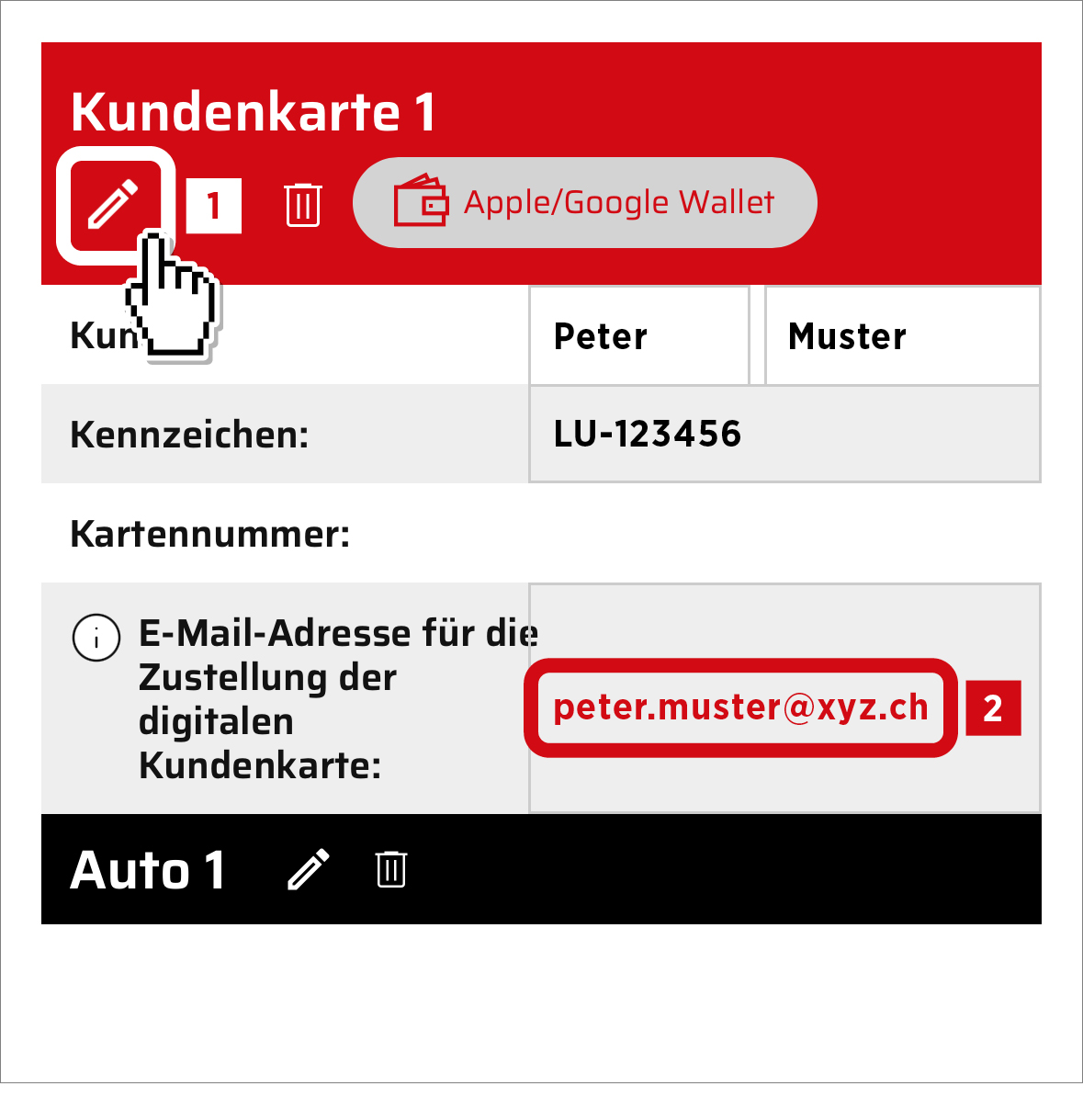
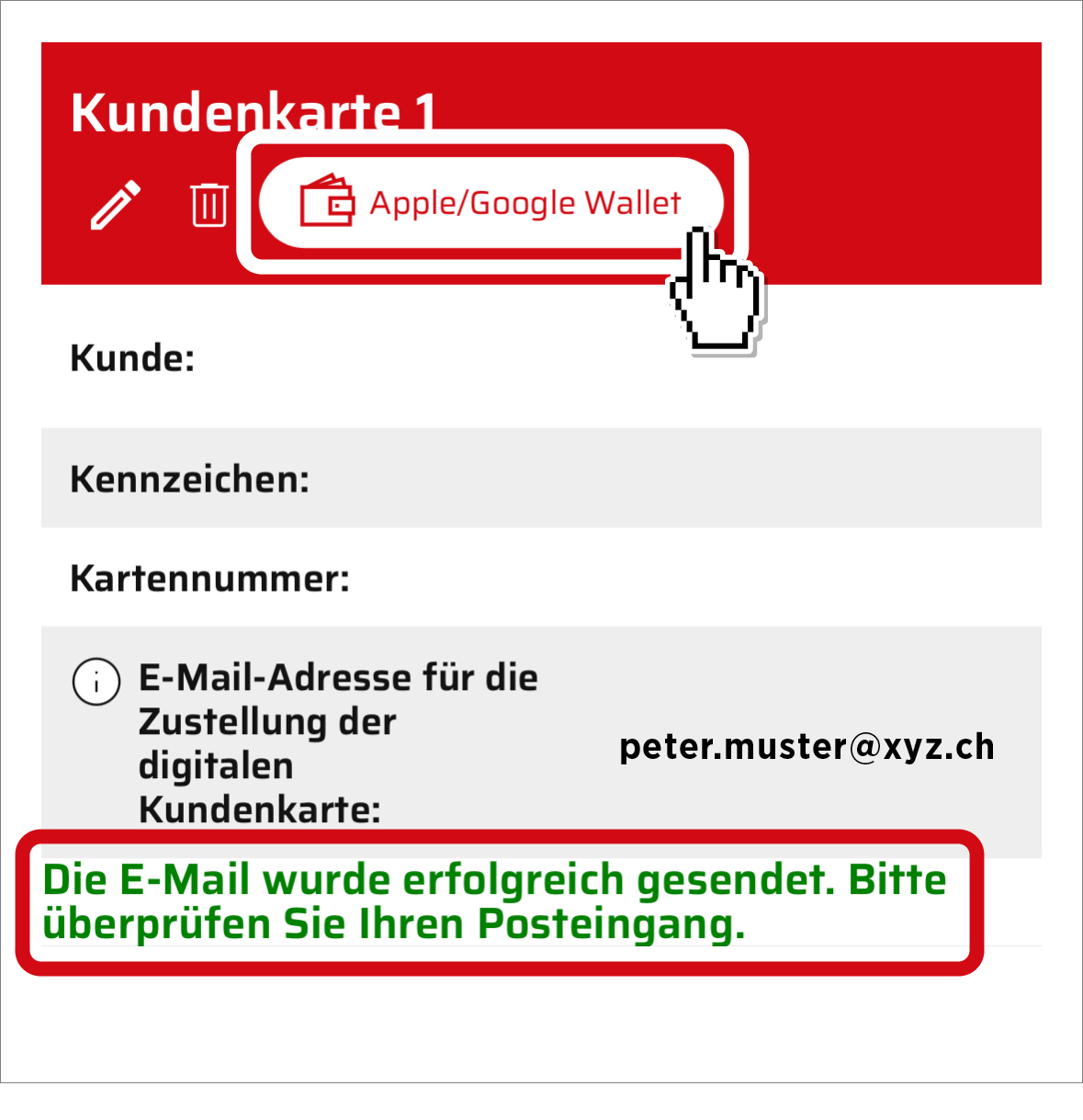
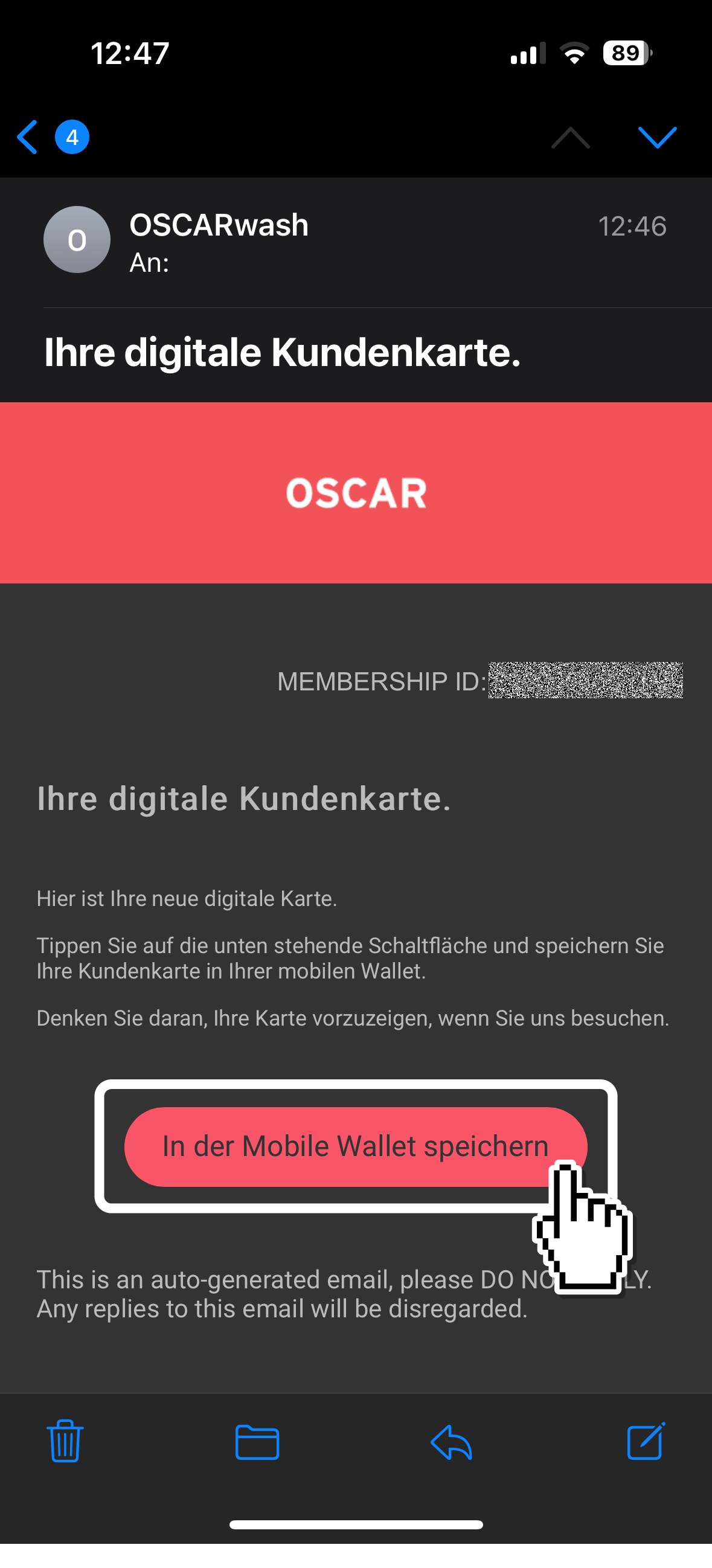
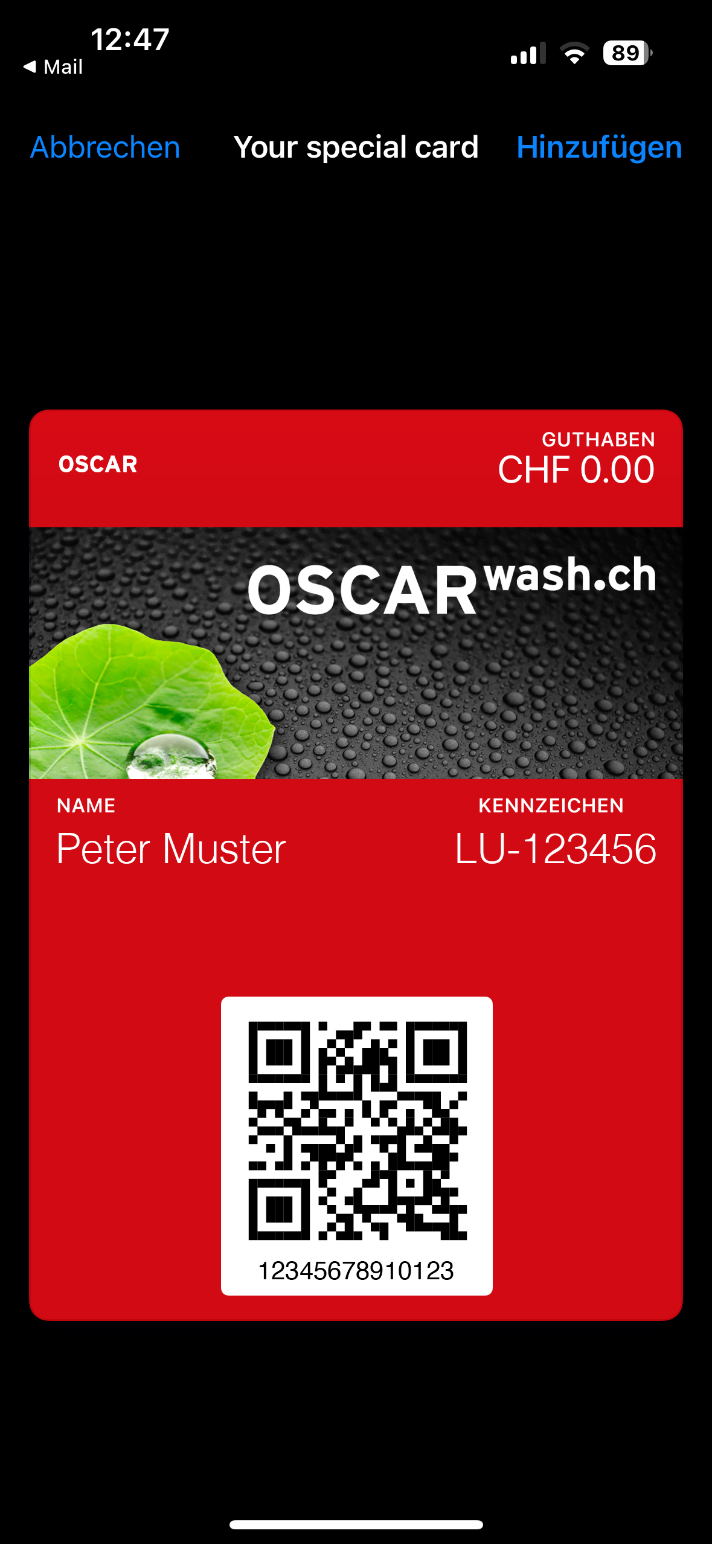
Your customer card in the Wallet. It’s that simple.
Important: When you visit the OSCAR store for the first time, you must first create a new account. Simply follow these instructions.
If you have registered in our store without an existing (physical) customer card or simply prefer to go digital, you now have the option of saving your OSCAR customer card digitally on your cell phone. Below is a brief guide.
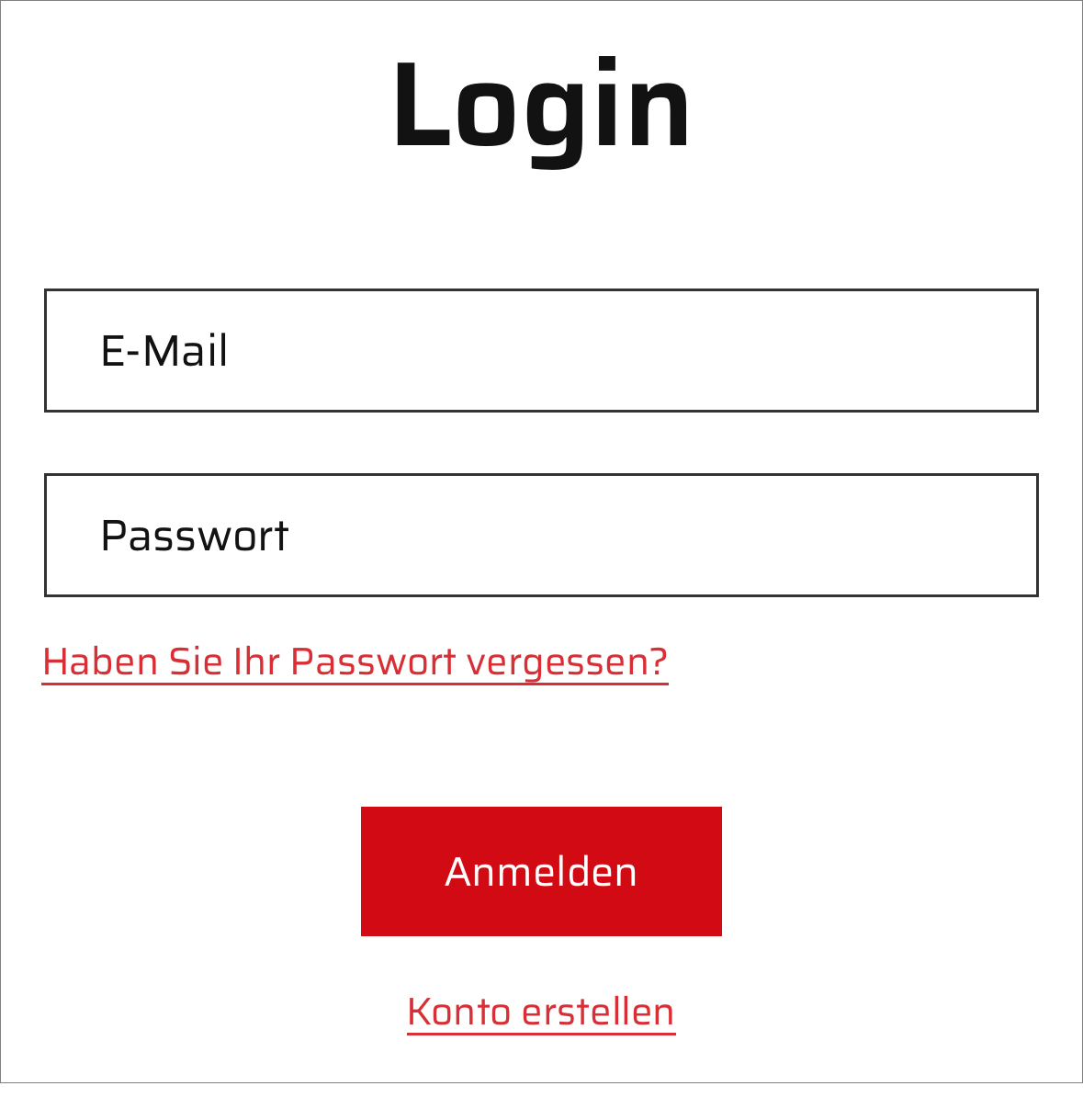
1. Log in to your customer account with your e-mail address and password.
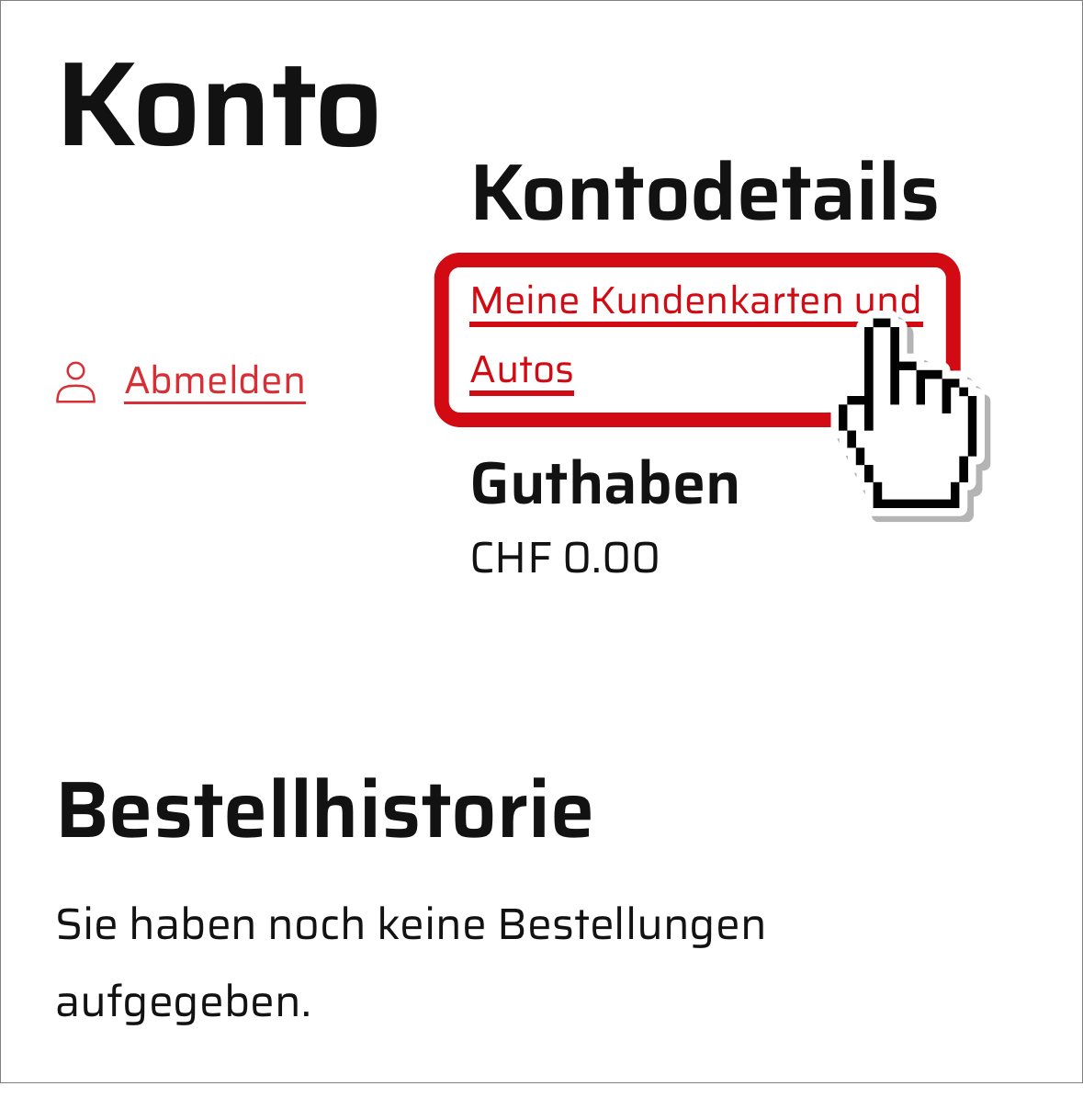
2. Click on “Meine Kundenkarten und Autos”.